2.2.3 Pad Inspector
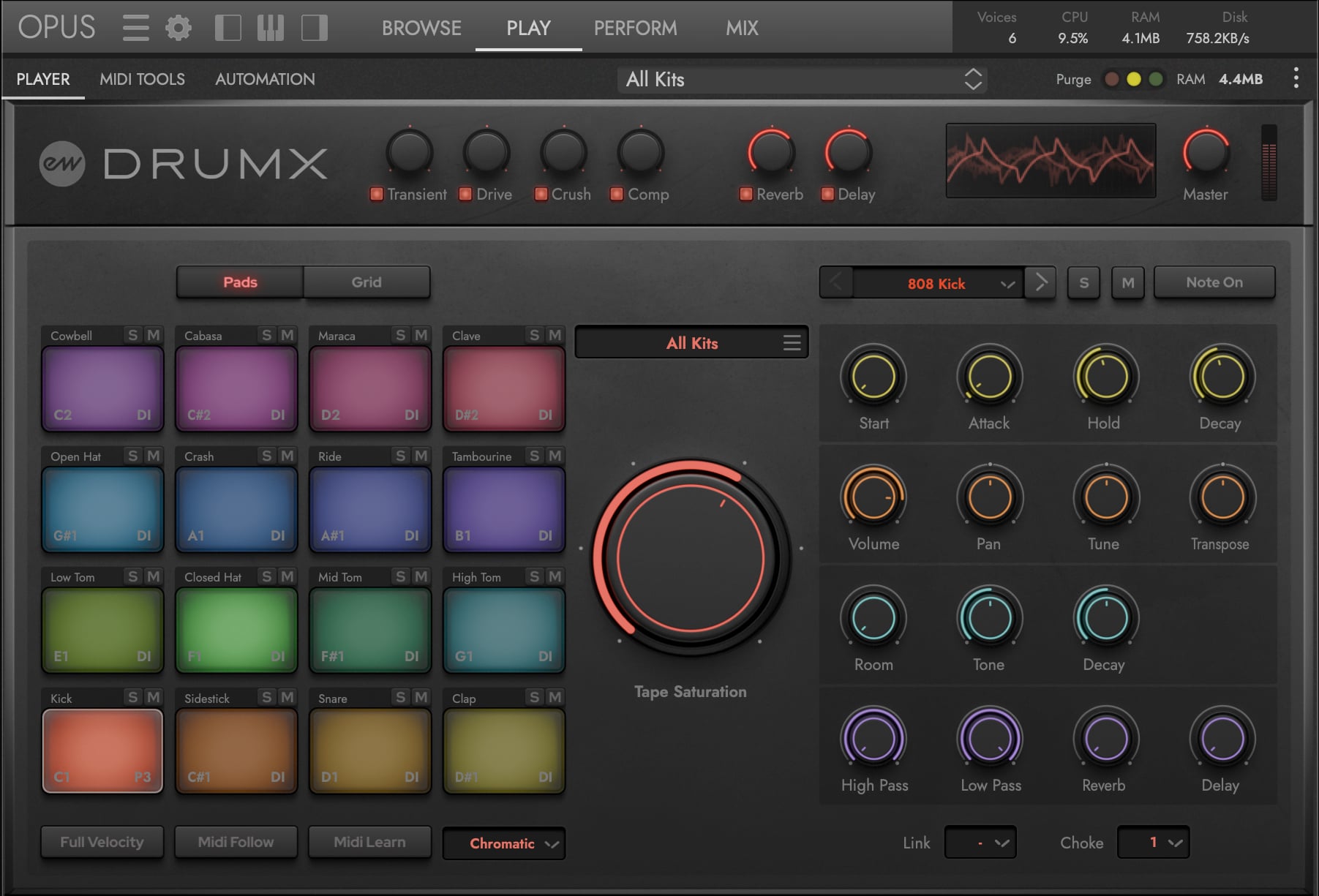
The Pad Inspector contains a series of control arrays for the currently selected pad (focused pad), including a drum selector menu, mute/solo buttons, envelope controls (2 modes), general controls (volume, pan, and tuning), machine-specific parameter controls, mixer and effects send controls, and grouping controls (link and choke).
A Sound Selection and Status
- Previous Pad / Next Pad — Change the currently selected pad (focused pad).
- Drum Selector — Drop-down menu showing all available drum sounds.
- Solo — Solo the selected pad, muting all others.
- Mute — Mute the selected pad.

B Envelope Controls
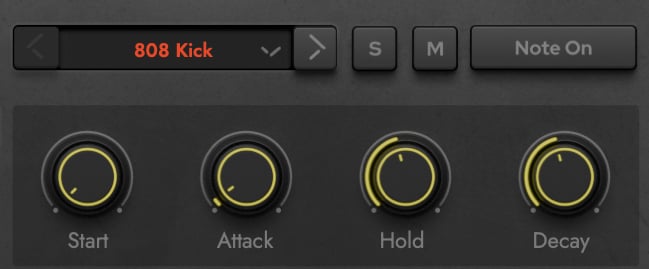
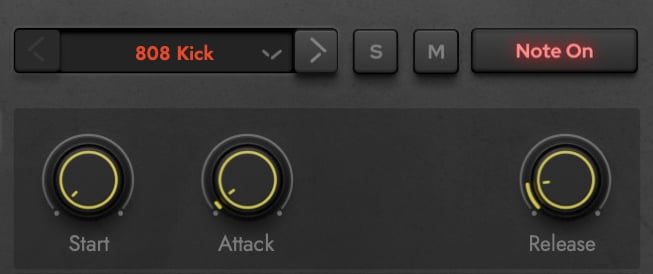
Sculpt the envelope with 2 modes — when Note-On is disabled (default), the sound plays all the way through on its own. When Note-On is enabled, the sound sustains until you release the note.
When Note-On is disabled the envelope controls include:
- Start — Sample start offset (0-500ms). Shifts the playback start point forward, cutting the initial transient for different timbral effects.
- Attack — Envelope attack time.
- Hold — Envelope hold time.
- Decay — Envelope decay time (shown when Note On is disabled).
When Note-On is enabled the envelope controls include:
- Start — Sample start offset (0-500ms). Shifts the playback start point forward, cutting the initial transient for different timbral effects.
- Attack — Envelope attack time.
- Release — Envelope release time (shown when Note On is enabled).
C General Controls
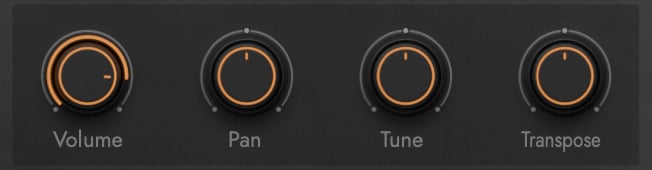
- Volume — Per-pad output volume.
- Pan — Stereo position (center default, bipolar).
- Tune — Fine pitch adjustment in cents (-100 to +100).
- Transpose — Coarse pitch adjustment in semitones (-12 to +12).
D Machine-Specific Parameter Controls
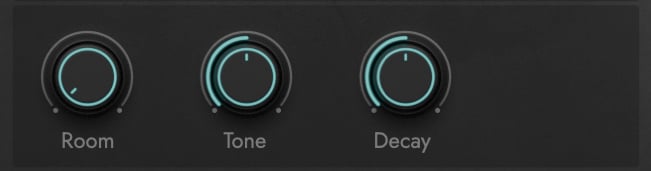
- Room — Blends in the ambience layer (0-100%) — a mix of close and far reamped room microphones that adds natural room character to the pad’s sound.
- Machine-Specific Parameters 1-3 — Machine-specific sampled parameters. The labels change dynamically based on the selected sound. Every parameter is a true multi-sample — not a synthesized approximation. Per machine:
- TR-808 — Tone, Decay, Snap, Pitch
- TR-909 — Tone, Decay, Attack, Pitch, Snap
- TR-606 — no machine-specific parameters
- LinnDrum — Pitch (snares, sidestick, toms, congas), Decay (closed hat)
- LM-1 — Pitch (across the board), Decay (closed hat)
- DR-55 — Tone
- DR-110 — no machine-specific parameters
- DMX — Pitch, Attack
- DrumTraks — Pitch (16 step variations)
- SP-12 — Pitch (kicks, snares, toms, tonal cymbals), Decay (hi-hats, select cymbals)
CONTINUE READING | SECTION 2.1.3 DRUM KITS AND SOUNDS for the per-sound breakdown of every available parameter and its sampled value range.
E FX Controls
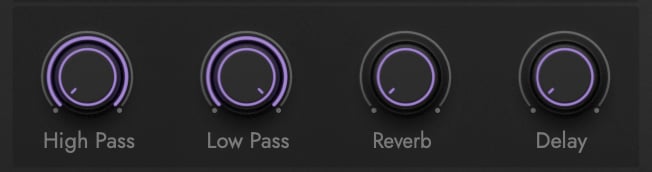
- High Pass — High-pass filter cutoff frequency. Removes low frequencies from the pad’s sound.
- Low Pass — Low-pass filter cutoff frequency. Removes high frequencies from the pad’s sound.
- Reverb — Reverb send level to the Convolution Reverb bus.
- Delay — Delay send level to the EP-1 Delay bus.
F Grouping
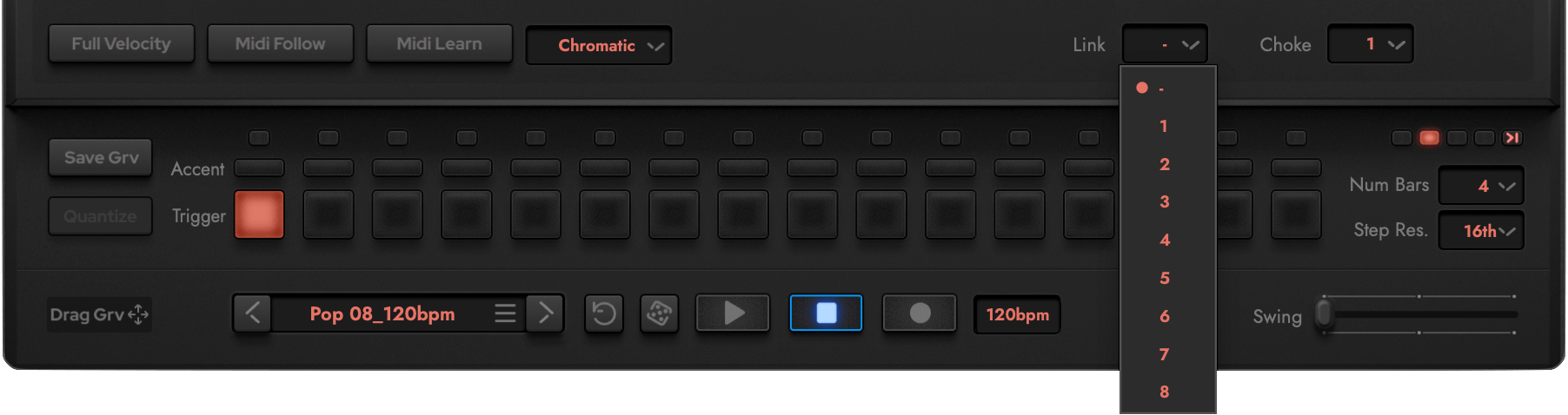
- LINK Group (1-8 or none) — Assigns the pad to a link group. All pads in the same link group trigger simultaneously when any one of them receives a note.
- CHOKE Group (1-16 or none) — Assigns the pad to a choke group. When a new note triggers in a choke group, the previously playing note in that group fades out. Classic use: closed hi-hat choking open hi-hat.