1.2.7 Learn More
To learn more about the Opus software, beyond that specifically related to DrumX, please refer to the Opus Software Manual — it covers all aspects of the Opus software’s feature set, controls, and options.
To access the Opus Software Manual, click on the Settings Menu button in the top-left corner of the Navigation Bar, then select the Help Option that appears near the bottom of the menu.
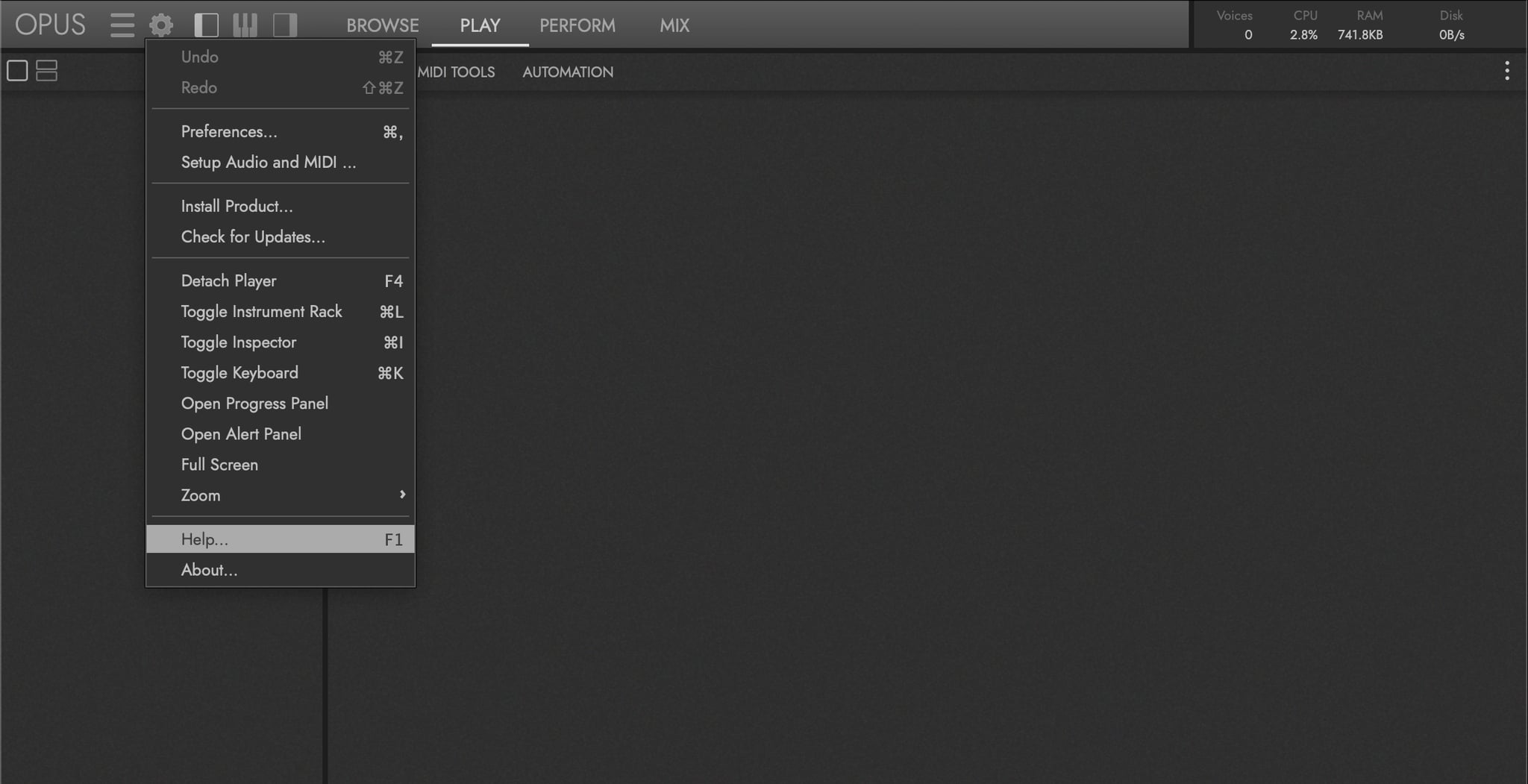
This DrumX user manual contains references to sections within the Opus Software Manual (example shown below), where topics beyond the scope of this product are expanded upon.
OPUS SOFTWARE MANUAL | SECTION 1.1.3 PREFERENCES contains more information about the settings available in the preferences window.