1.1.5 Product Support
EastWest provides multiple support channels to help you get the most out of DrumX, including the EastWest Support Center with live chat, the EastWest YouTube channel with video tutorials and walkthroughs, the EastWest Facebook community, and two dedicated manuals covering DrumX and the Opus software platform.
A Online Resources
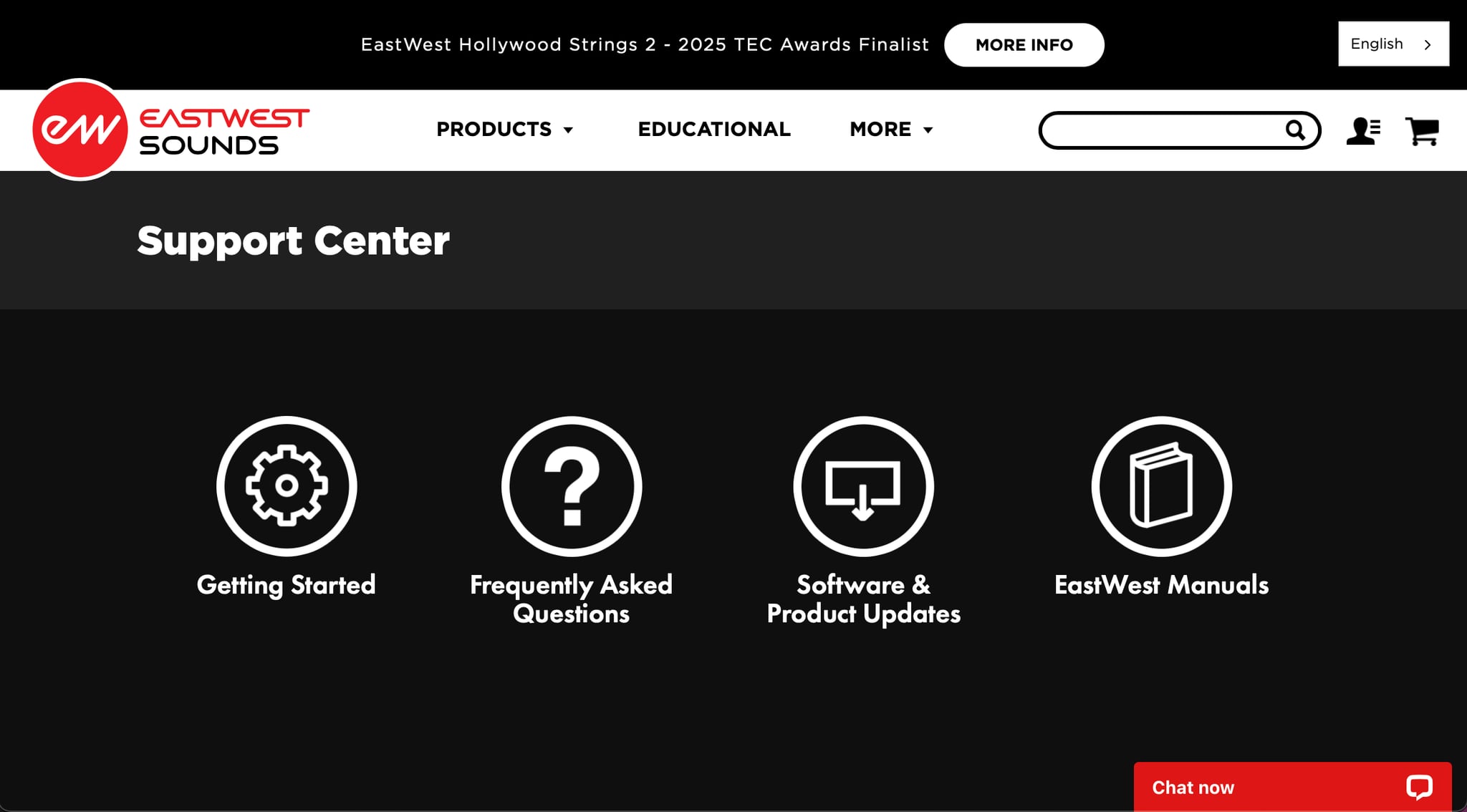
For technical support, visit the EastWest Support Center where Live Chat is available to help troubleshoot issues related to installation, activation, performance, and more. The support team can assist with questions about DrumX and the Opus software platform.
Visit the EastWest YouTube channel for a growing library of video content including installation and setup guides, product trailers, in-depth walkthroughs, and tutorials. These videos cover both DrumX-specific features and general Opus software workflows.
Connect with other EastWest users on social media and community forums. Join the EastWest Facebook page to share tips, ask questions, and discover how other producers are using DrumX and other EastWest products in their music.
Both DrumX and the Opus software platform have dedicated manuals, available online at the EastWest Manuals page.
B EW DrumX User Manual
The EW DrumX User Manual covers all DrumX-specific topics, including instruments, controls, grooves, and features unique to DrumX. Click the User Manual button in the Description Box of the Browse page to access it.

C Opus Software Manual
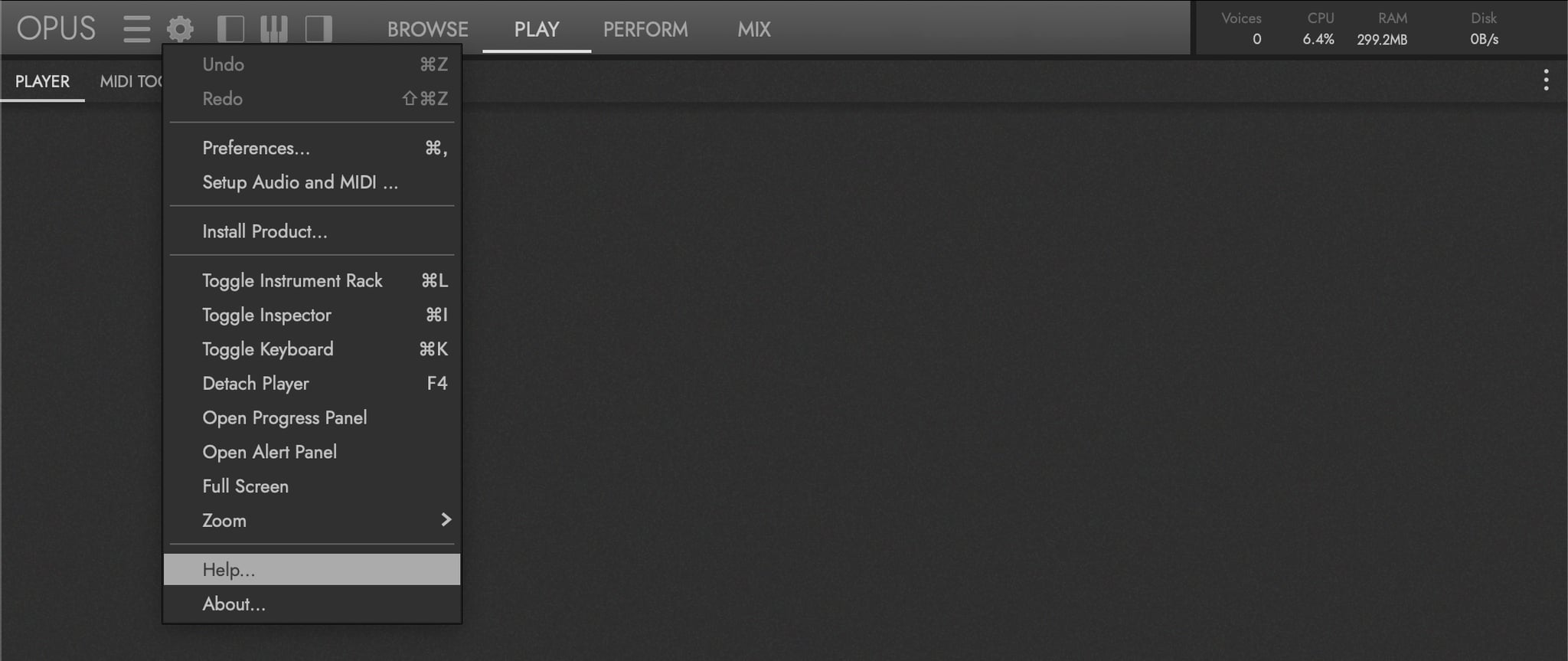
The Opus Software Manual covers all general Opus software features shared across every EastWest product, including preferences, browsing, mixing, effects, and more. Click the Settings Menu and select the Help Option to access it.
D Manual References
Throughout this manual there are references to sections in the Opus Software Manual that expand upon the current topic in greater detail. For example:
OPUS SOFTWARE MANUAL | SECTION 1.1.3 PREFERENCES contains more about the settings available in the Preferences window.
Interrelated topics within this manual that warrant a deeper read are surfaced in a parallel CONTINUE READING callout — typically at the end of a section to point you at the next logical chapter:
CONTINUE READING | SECTION 2.1 DRUMX INSTRUMENTS for more information about the instruments available in this collection.
A shorter inline form of the same idea appears within paragraphs when the reference is tightly tied to the sentence at hand — for example, “see SECTION 2.1.2 INSTRUMENT RACK for full coverage.” Inline references stay scoped to the sentence they sit in; the callout form scopes to the broader topic of the section.
The numbering system identifies the chapter, section, and sub-section of the referenced section. For instance, the section numbered 1.1.3 means it’s from Chapter 1, Section 1, Sub-section 3.
In the PDF version, use the included chapter links that are standard in PDF-formatted documents. In the HTML version, use the navigation sidebar or the search feature to find the referenced section.