1.1.2 Powered by Opus
DrumX is powered by Opus — EastWest’s revolutionary sample engine, built from the ground up for speed, flexibility, and sound quality. Opus runs natively on Apple Silicon and Intel, delivers class-leading performance, and provides the foundation for every EastWest virtual instrument. Whether you’re loading a single DrumX kit or building a multi-instrument performance with products spanning the entire EastWest catalog, Opus is the engine that makes it all possible.
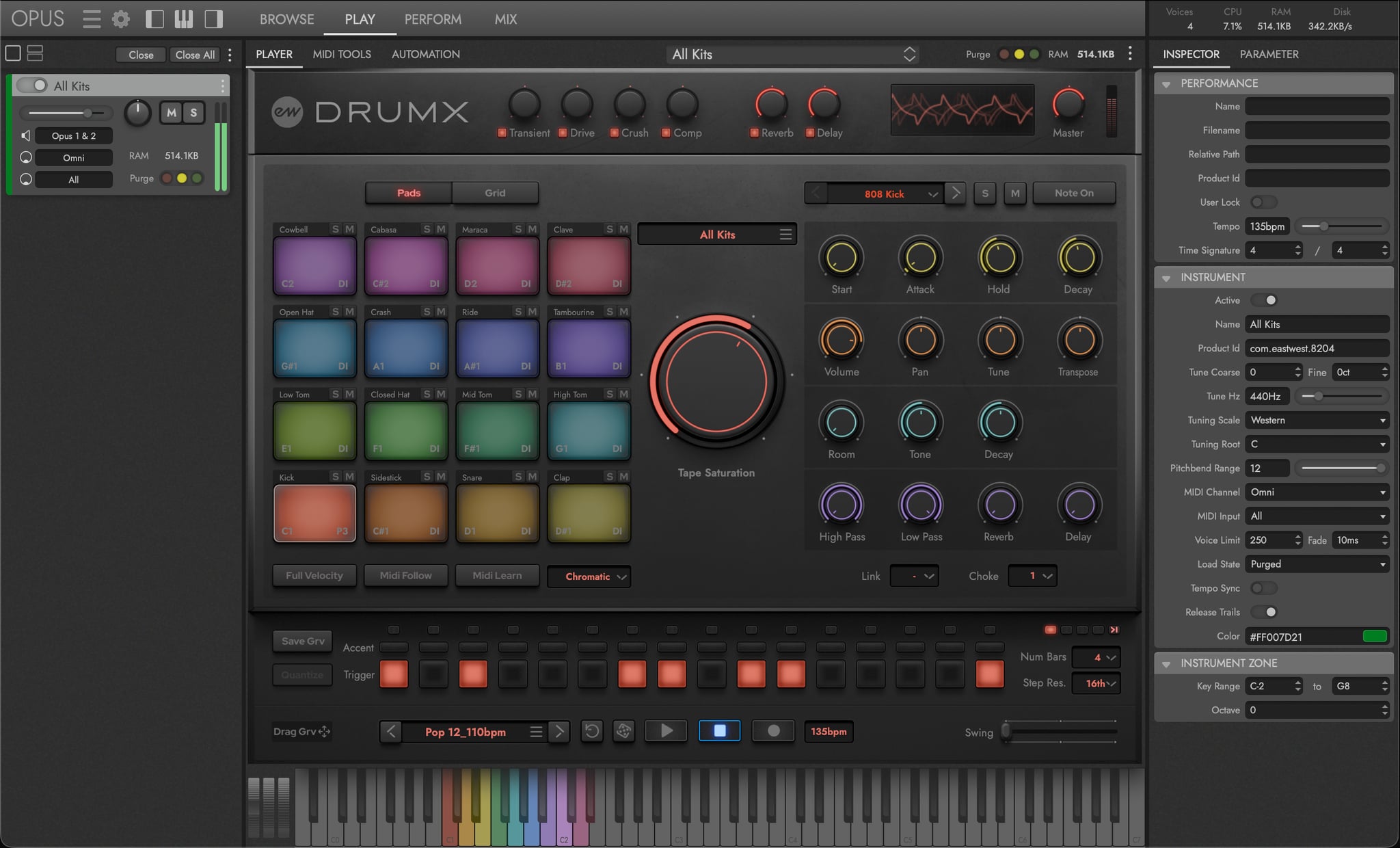
Below is a brief list of some of the main features of the Opus software engine. Refer to the Opus Software Manual for more in-depth coverage of all the powerful controls and features available in Opus.
-
FAST AND EFFICIENT PERFORMANCE was a top priority as Opus was being developed from the ground up. With an emphasis on achieving the most efficient use of computer resources possible, it is the fastest sample engine on the market. Opus runs natively on Apple’s Silicon Processors, and Intel-based Macs, and is compatible with the latest Mac and Windows operating systems.
-
HIGH RESOLUTION USER INTERFACE are now available for all EastWest products in Opus. The high resolution (retina) user interfaces are also scalable to any size, providing ultimate flexibility when used with high-resolution computer monitors.
-
A POWERFUL SCRIPTING LANGUAGE is an essential part of overall instrument design. It is used to model instrument behavior, define user interaction, and implement sonic features not possible to achieve otherwise. Opus features a powerful script language called OpusScript developed by Wolfgang Schneider, the creator of Kontakt. It empowers sound designers to express their ideas, and deploy actual functionality and behavior beyond what the underlying software contains.
-
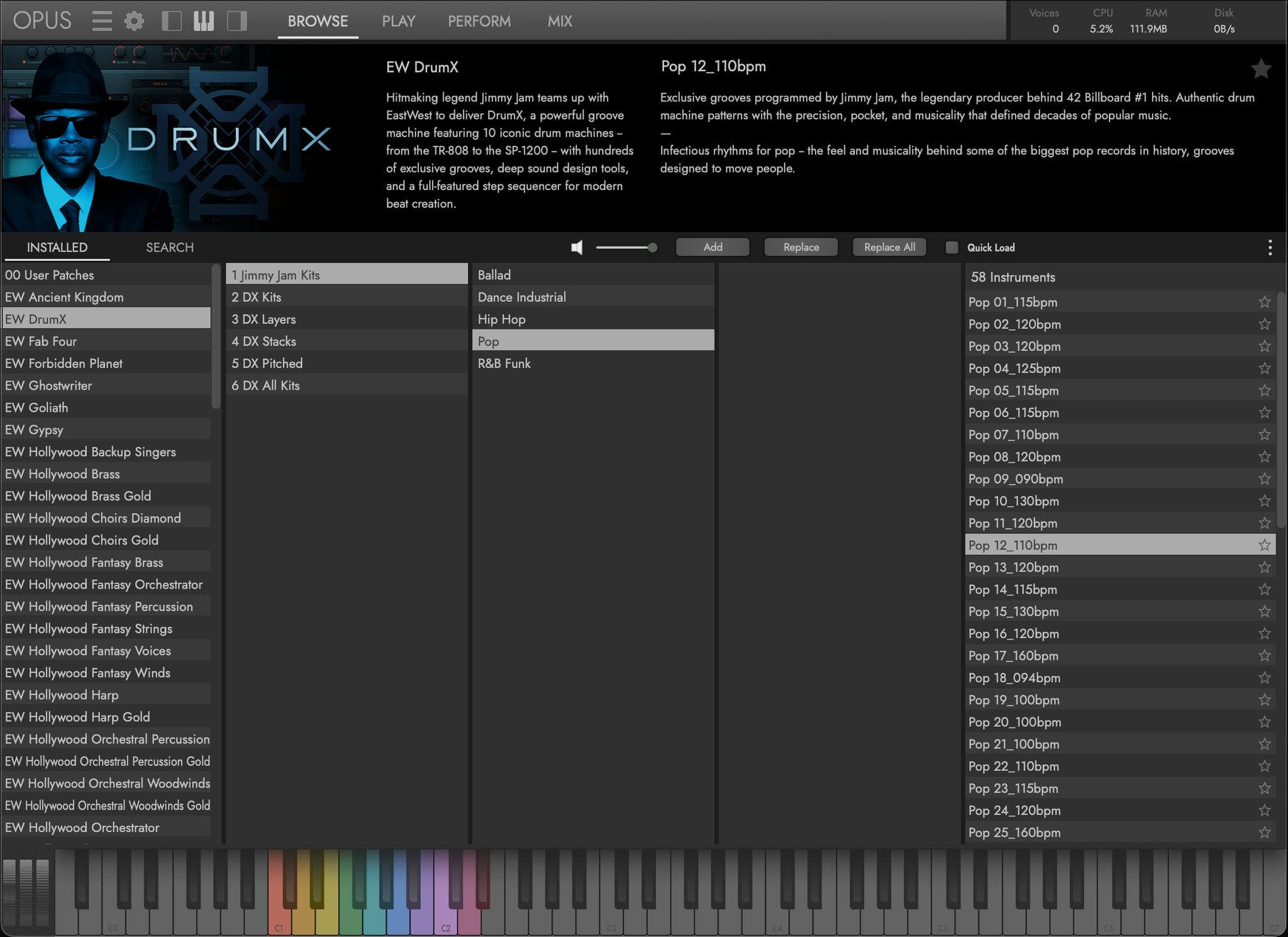
INSTRUMENT DOWNLOADS mean you no longer have to wait hours for large libraries to download. Instruments can now be downloaded individually at the speed of your internet connection. With Audio Previews you can audition a sound, download it, and be playing in minutes!
-
CUSTOM KEYSWITCHES allow users to build their own keyswitch instruments, and the ability to create multi-articulation instruments with a variety of options to switch between articulations on the fly. Trigger Options include Keyswitches, Continuous Controllers (CCs), Velocity, Program Changes, and more!
-
ADVANCED AUTOMATION options come pre-configured on a per-instrument basis, with custom settings tailored to that instrument or library’s unique features. Users are also free to configure their own automation settings by adding automation parameters and macro parameters, the latter of which controls multiple targets with a single macro. Existing MIDI Controller Mapping assignments can also be re-mapped to any freely available MIDI CC assignment you like.
-
MULTI-INSTRUMENT SETUPS are easier than ever to manage thanks to a dedicated area of the user interface that handles these ‘Performances’. Use an array of controls and options that allow you to customize how multiple instruments interact with each other including defining octaves, key ranges, trigger actions, and more.